AI Customer Support Chatbot: Make Customers Feel Heard
- Ubaid Rehman
- July 17, 2026
- AI Technology, AI Tools
- 0 Comments
I wrote this guide for business owners, support teams, and site owners who want faster replies without losing the human touch. An AI customer support chatbot can answer common questions, guide users, and reduce long wait times. It can also help your team focus on hard cases that need real care. However, the tool must be set up well. A poor bot can confuse people and hurt trust.
Today, many brands look for the best AI chatbot to improve support, cut repeat tasks, and offer help at any time. They also compare AI help desk tools to manage tickets, chats, and customer records in one place. With smart chatbot automation, a support team can answer more questions with less stress. In this post, I will explain how these tools work, where they help most, and how I would choose one for a real business.
How an AI Customer Support Chatbot Works in Real Life
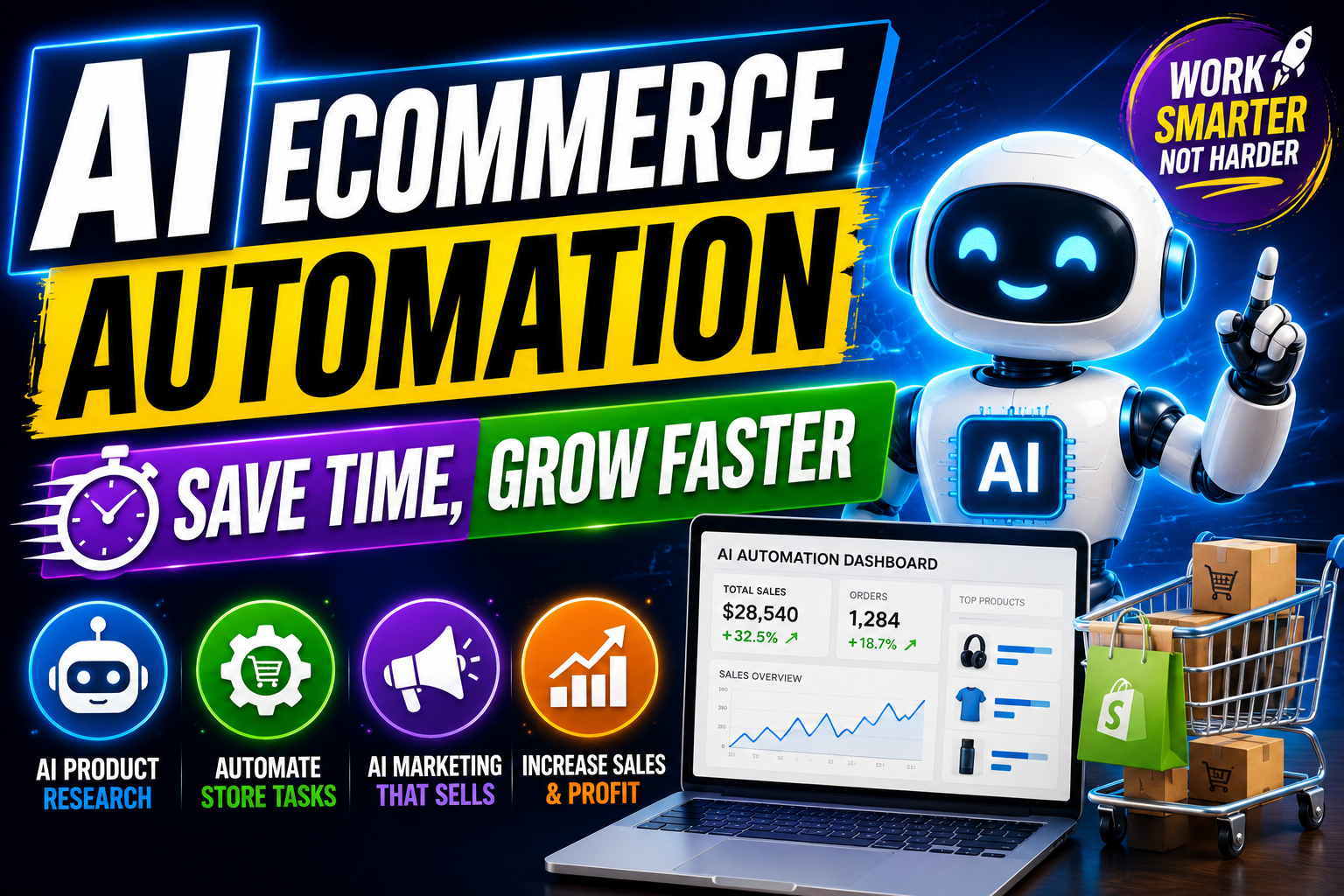
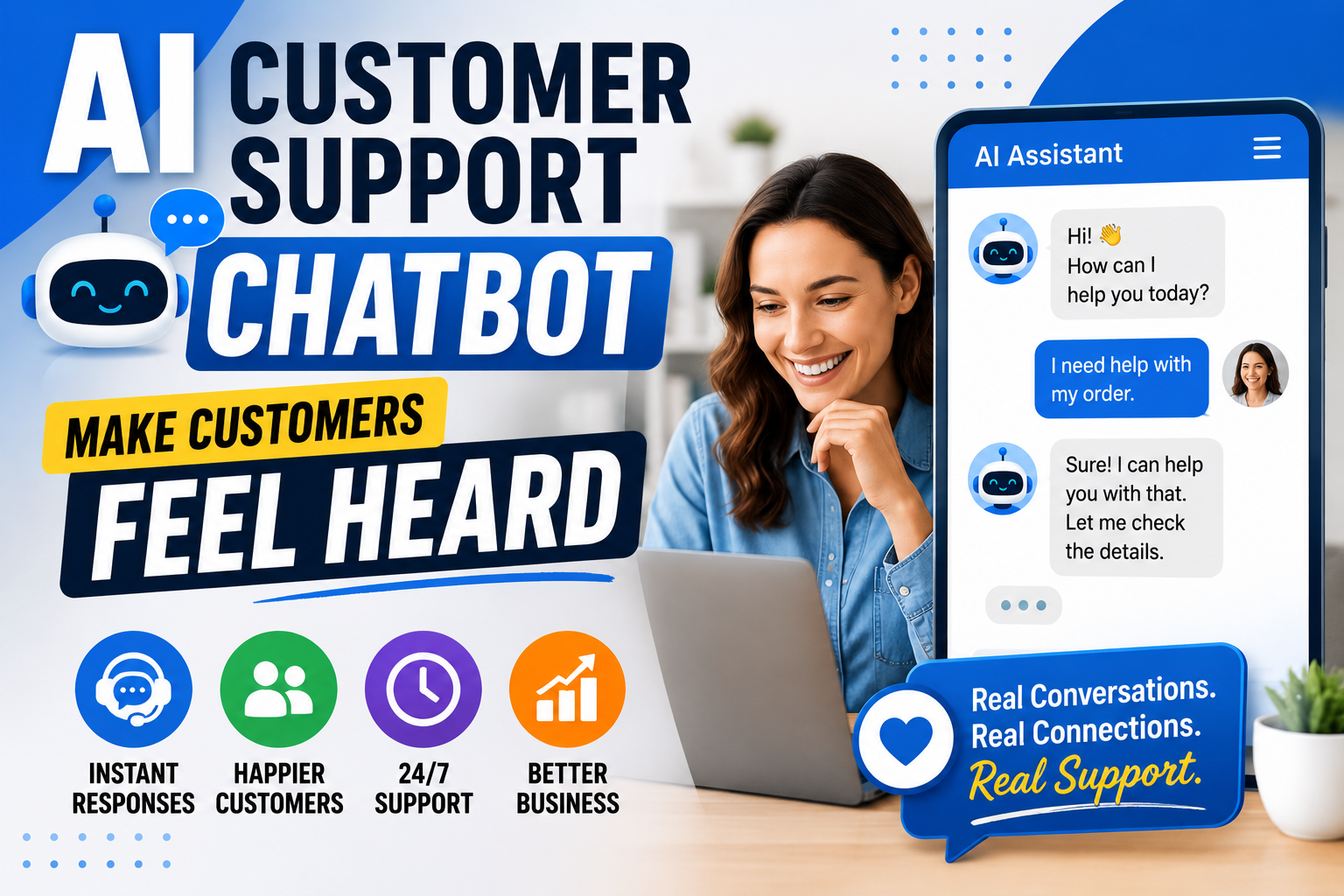
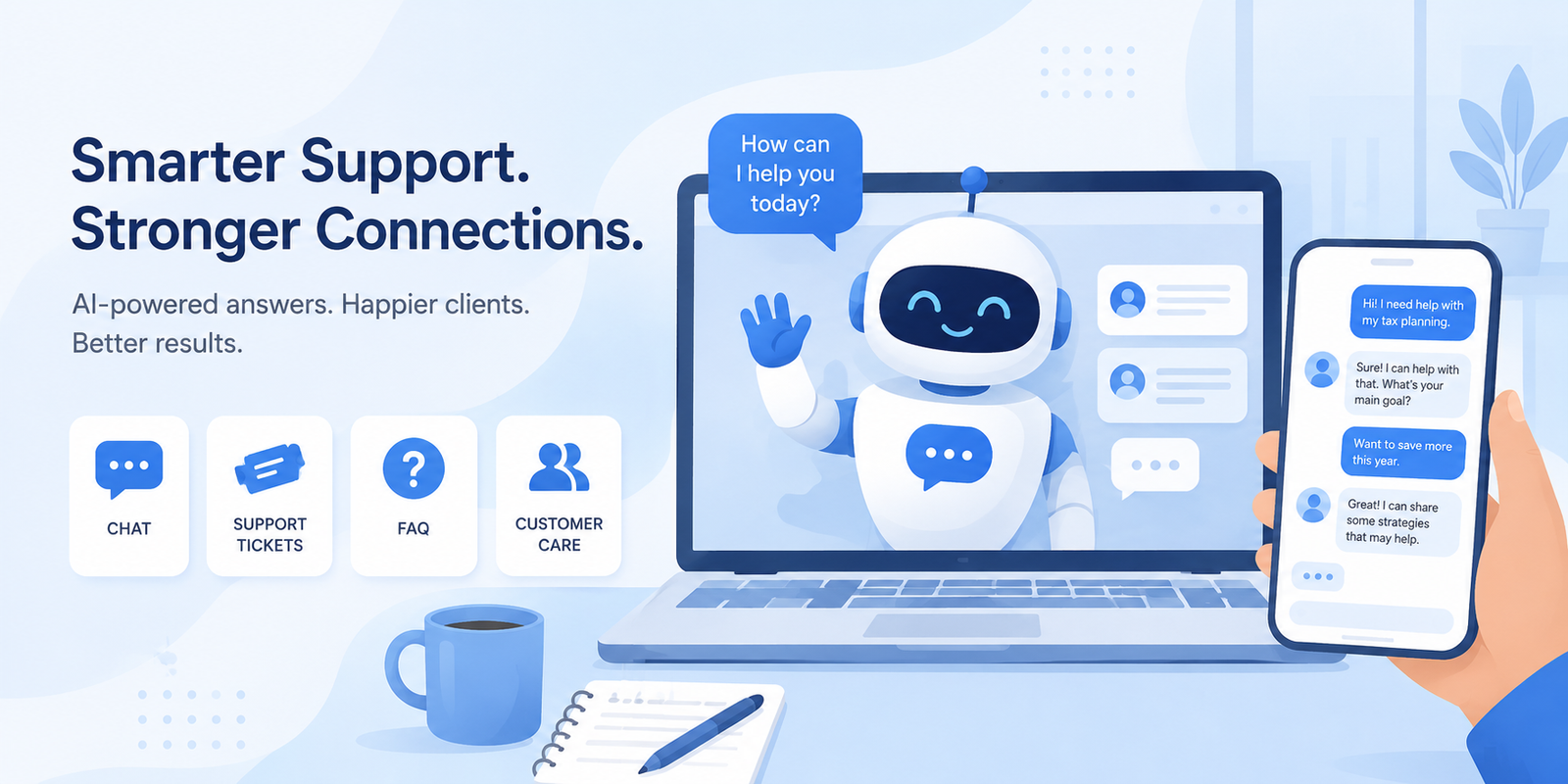
An AI customer support chatbot reads a customer message, finds the intent, and gives a helpful reply. For example, a customer may ask, “Where is my order?” The bot checks the order status if it connects with your store system. Then it shares the latest update in plain words. If the question is too hard, the bot sends the chat to a real agent. This simple flow saves time for both sides. Also, it keeps the customer from waiting in a long queue.
The best AI chatbot does not try to replace every human agent. Instead, it handles common tasks first. These tasks include order checks, refund rules, account help, booking changes, and simple product questions. Many AI help desk tools also store chat history, so agents see the full story before they reply. As a result, the customer does not need to repeat the same issue again. Good chatbot automation works like a trained front desk helper. It greets users, asks clear questions, and routes each case to the right place.
Why Businesses Use the Best AI Chatbot for Support
An AI customer support chatbot gives clear value when support requests grow. I have seen small teams spend hours answering the same five questions. “What are your hours?” “How can I reset my password?” “Do you ship to my city?” These questions matter, but they do not always need a live agent. So, a bot can answer them right away. This helps the customer get help faster. It also gives the support team more time for urgent issues.
The best AI chatbot improves support speed, but it also helps with steady service. A human agent may have a busy day, miss a detail, or reply late. A well-trained bot gives the same approved answer each time. In addition, AI help desk tools can track open tickets, response time, and customer ratings. This data helps you fix weak points. With chatbot automation, your team can create reply flows for refunds, billing, shipping, and account access. Then the bot guides users step by step.
| Support Need | How a Chatbot Helps | When a Human Should Step In |
|---|---|---|
| Order status | Shows tracking details and delivery date. | Lost package or wrong address. |
| Password reset | Sends reset steps or a safe reset link. | Account lock or fraud concern. |
| Refund request | Explains policy and starts a request. | Large claim or special case. |
| Product questions | Shares simple details from your FAQ. | Custom order or complex setup. |
Key Features I Look for in AI Help Desk Tools
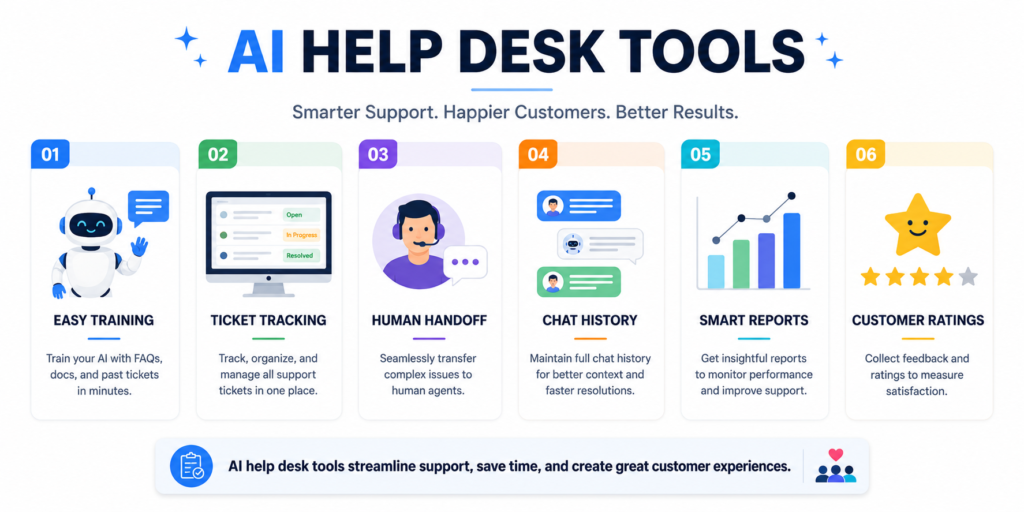
When I review AI help desk tools, I first check how easy they are to train. An AI customer support chatbot should learn from your help pages, FAQs, policies, and saved replies. It should not need weeks of complex setup. Also, the tool should let me edit answers in simple words. That matters because customers trust clear answers more than fancy ones. If the bot gives vague replies, people leave the chat with more doubt.
I also look for safe handoff to a real agent. The best AI chatbot should know when to stop. For example, if a customer is angry, confused, or asking about payment risk, the bot should send the case to support. Good chatbot automation also includes tags, ticket creation, email follow-up, and chat notes. These features keep the support process clean. If you want more basic support tips, you can read my related guide on customer support best practices.
- Easy training: The tool should use your real support content. This helps the bot give answers that match your brand.
- Human handoff: The bot must send hard cases to agents. This keeps customers from feeling stuck.
- Ticket tracking: The system should create and update tickets. This helps your team manage work in one place.
- Clear reports: Reports should show response time, common issues, and missed answers. This helps you improve support each week.
How Chatbot Automation Improves Customer Experience
Chatbot automation works best when it removes small pain points. An AI customer support chatbot can greet visitors, ask what they need, and show the right help link. For example, a customer may land on a pricing page and ask about plans. The bot can explain the basic difference, then offer a link to compare plans. If the customer wants help from sales, the bot can collect name, email, and question before sending it to the team.
The best AI chatbot also helps after office hours. Many customers shop, browse, and ask questions at night. If no one answers, they may leave. With AI help desk tools, the bot can collect the issue, provide a quick answer, or create a ticket for the next day. This keeps the customer informed. Also, chatbot automation can send follow-up messages, share return steps, and guide users through forms. When done well, the customer feels guided, not ignored.
Common Mistakes to Avoid with an AI Customer Support Chatbot
An AI customer support chatbot can help a lot, but only when you set clear limits. One common mistake is letting the bot answer questions it does not understand. This creates wrong replies and weak trust. I prefer a bot that says, “I do not have that answer yet,” then sends the chat to a person. That simple reply is better than a guess. Customers respect honest help more than fake confidence.
Another mistake is using the best AI chatbot without updating content. Your policies change, prices change, and product details change. So, the bot needs fresh data. AI help desk tools should make updates simple. Also, avoid long bot scripts. A customer does not want ten steps before they get help. Strong chatbot automation uses short questions, clear buttons, and fast handoff. Keep the flow simple. Then test it often with real support questions.
- Do not hide human support: Customers should find a real agent when they need one. This reduces stress and builds trust.
- Do not train the bot once and forget it: Review failed answers each week. Then add better replies where needed.
- Do not make the flow too long: Ask only what you need. Short paths help users reach answers faster.
- Do not use cold language: Keep replies polite and direct. A warm tone makes support feel more human.
Best AI Chatbot Setup Plan for Small Teams
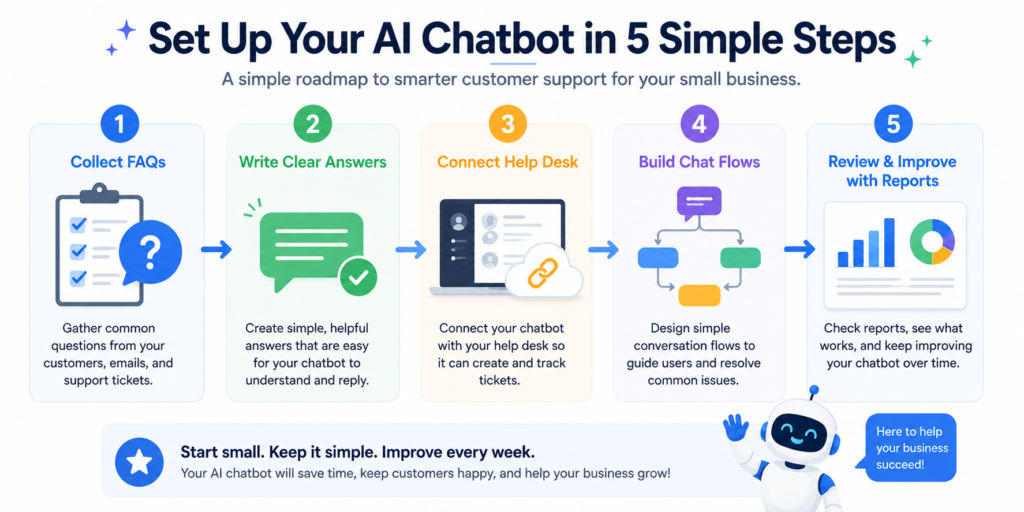
If I were setting up an AI customer support chatbot for a small team, I would start with the top twenty support questions. I would collect them from emails, live chats, and call notes. Then I would write clear answers in plain language. This step matters more than the tool itself. A bot can only help when your answers are useful. After that, I would add refund rules, shipping details, login help, and contact steps.
Next, I would connect the best AI chatbot to the support inbox or ticket system. Many AI help desk tools can connect with email, chat widgets, and common store platforms. Then I would build simple chatbot automation for common paths. For example, “Track my order,” “Start a return,” and “Talk to support.” After launch, I would check missed questions daily for the first two weeks. Then I would improve weak answers. For a trusted overview of chatbot basics, you can also visit IBM’s guide to chatbots.
AI Help Desk Tools vs Basic Live Chat
A basic live chat tool only connects a customer with a person. That can work well for small traffic. However, it can become hard when chat volume grows. An AI customer support chatbot can answer first, then send only the right cases to agents. This saves time and lowers stress. Also, customers get instant help for simple needs. They do not need to wait for a person to type the same answer again.
AI help desk tools give more structure than basic chat. They can create tickets, track issue types, store notes, and measure team work. The best AI chatbot adds another layer by answering common questions on its own. With chatbot automation, your support process becomes easier to manage. You can set rules for priority cases, route billing questions to one team, and send product issues to another. This helps your team stay organized without adding extra manual work.
How to Measure Chatbot Automation Results
After you launch an AI customer support chatbot, you need to measure results. Do not judge the tool by chat count alone. Instead, look at helpful numbers. Track how many questions the bot answered, how many chats moved to agents, and how customers rated the replies. Also, check which questions the bot failed to answer. These gaps show what content you need to improve.
The best AI chatbot should reduce repeat work and improve response time. AI help desk tools can show these numbers in reports. I would watch first response time, ticket volume, customer rating, and issue type. With chatbot automation, you can also track how many users complete a return, book a call, or find a help article. These numbers tell a clear story. If customers solve problems faster, the bot is doing its job.
| Metric | What It Shows | Why It Matters |
|---|---|---|
| First response time | How fast customers get the first reply. | Fast replies reduce frustration. |
| Bot resolution rate | How many issues the bot solves. | It shows if your content works. |
| Handoff rate | How often the bot sends chats to agents. | It helps you spot hard topics. |
| Customer rating | How customers feel about the support. | It protects trust and service quality. |
Conclusion: Should You Use an AI Customer Support Chatbot?
Yes, I think most growing businesses should consider an AI customer support chatbot. It can answer simple questions, reduce wait time, and help agents focus on real problems. Still, success depends on setup. You need clear answers, current policies, and a simple path to human support. A bot should make help easier, not harder.
The best AI chatbot is not always the most costly one. It is the one that fits your team, your customers, and your support goals. Good AI help desk tools keep all chats and tickets organized. Smart chatbot automation removes repeat work without removing care. Start small, test often, and improve answers based on real customer questions. That is the safest way to build support that feels fast and human.
FAQs About AI Customer Support Chatbot
What is an AI customer support chatbot?
An AI customer support chatbot is a chat tool that answers customer questions with the help of AI. It can reply to common questions, guide users to help pages, and collect details for support agents. For example, it can help with order status, returns, booking changes, or password steps. The best AI chatbot also knows when to send the chat to a real person. Many AI help desk tools include this feature. With chatbot automation, businesses can offer faster help without hiring more agents right away.
How do I choose the best AI chatbot for my business?
To choose the best AI chatbot, start with your support needs. List your common questions, support channels, and team size. Then check if the tool connects with your website, email, store, or help desk. An AI customer support chatbot should be easy to train and easy to edit. It should also support human handoff. AI help desk tools with reports can help you track results. Also, check chatbot automation options, such as ticket creation, routing, and follow-up messages.
Can AI help desk tools replace human agents?
AI help desk tools should not fully replace human agents. They should support them. An AI customer support chatbot can answer repeat questions and collect basic details. However, a person should handle sensitive issues, angry customers, refunds with special cases, and account safety concerns. The best AI chatbot improves the first step of support. Then chatbot automation sends hard cases to the right team. This balance gives customers speed and care at the same time.
Is chatbot automation good for small businesses?
Yes, chatbot automation can help small businesses a lot. Small teams often answer the same questions many times each day. An AI customer support chatbot can handle these repeat tasks and save hours each week. The best AI chatbot can start with simple FAQs and grow over time. Many AI help desk tools also offer plans for small teams. Start with order tracking, contact details, refund rules, and basic product help. Then add more flows as your support needs grow.
How often should I update my AI customer support chatbot?
You should review your AI customer support chatbot at least once a month. If your prices, policies, or products change often, check it weekly. Look at failed answers, low-rated chats, and common handoff reasons. Then update the content with clear and short replies. The best AI chatbot improves as your team learns from real users. AI help desk tools can show reports that make this easier. With steady chatbot automation updates, your support stays useful and accurate.